Local Link Settings
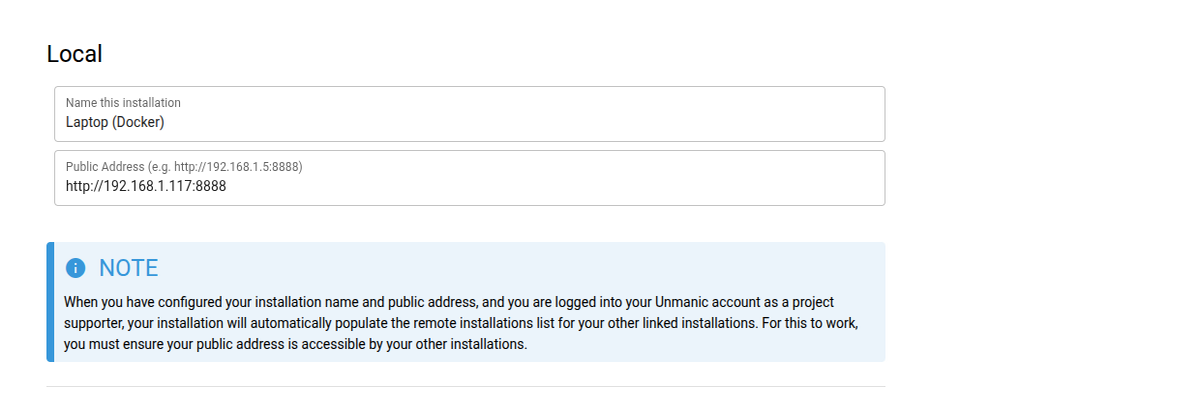
Under the Link section of your Unmanic settings you will find options for linking multiple Unmanic installations.
Linking Unmanic installations is completely optional and in no way required in order to use the application, however, it opens a range of options that further extend what Unmanic can do.
Name this installation
Set a name for this installation. This will be used to identify it once linked with other installations.
Public address
Set the public address that other installations can use to connect to this one.
If the installation is available over HTTPS, include https:// in the address.
If you are logged in to Unmanic Central with a supporter account, the name and public address you set here are automatically shared to your other logged-in installations so they can be populated without manual entry.