Data Panels
Data panels provide visual insights into your library processing results directly from the Unmanic dashboard. These panels are implemented as plugins that you install and add to your libraries like any other plugin.
Accessing Data Panels
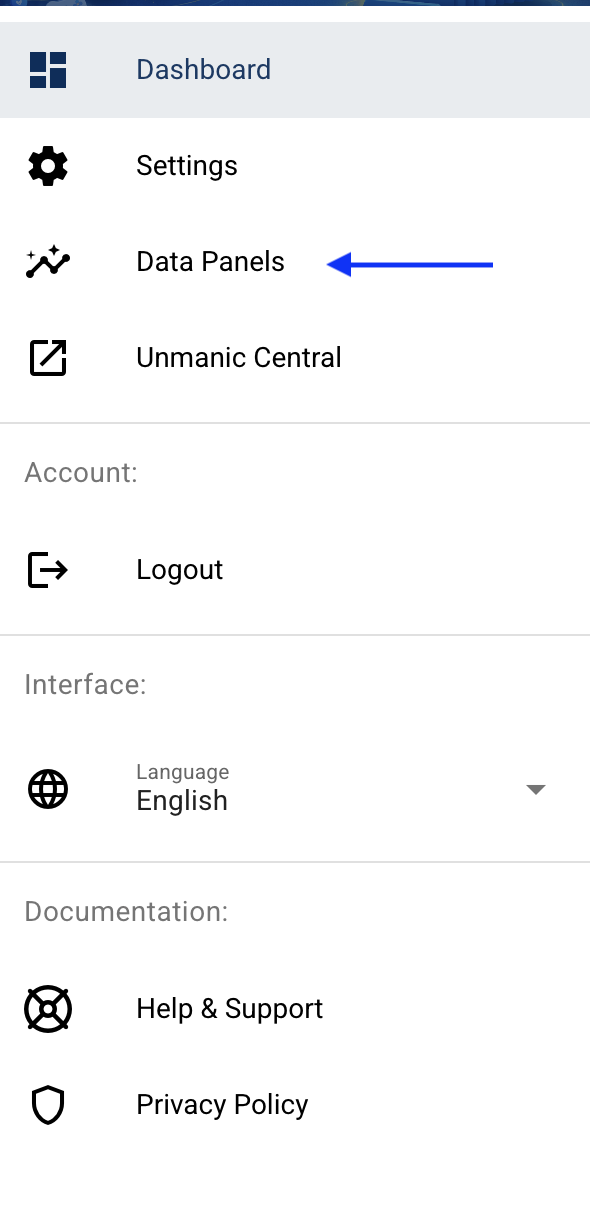
Once a data panel plugin is installed and added to a library, you can access it from the dashboard.
File Size Metrics Panel
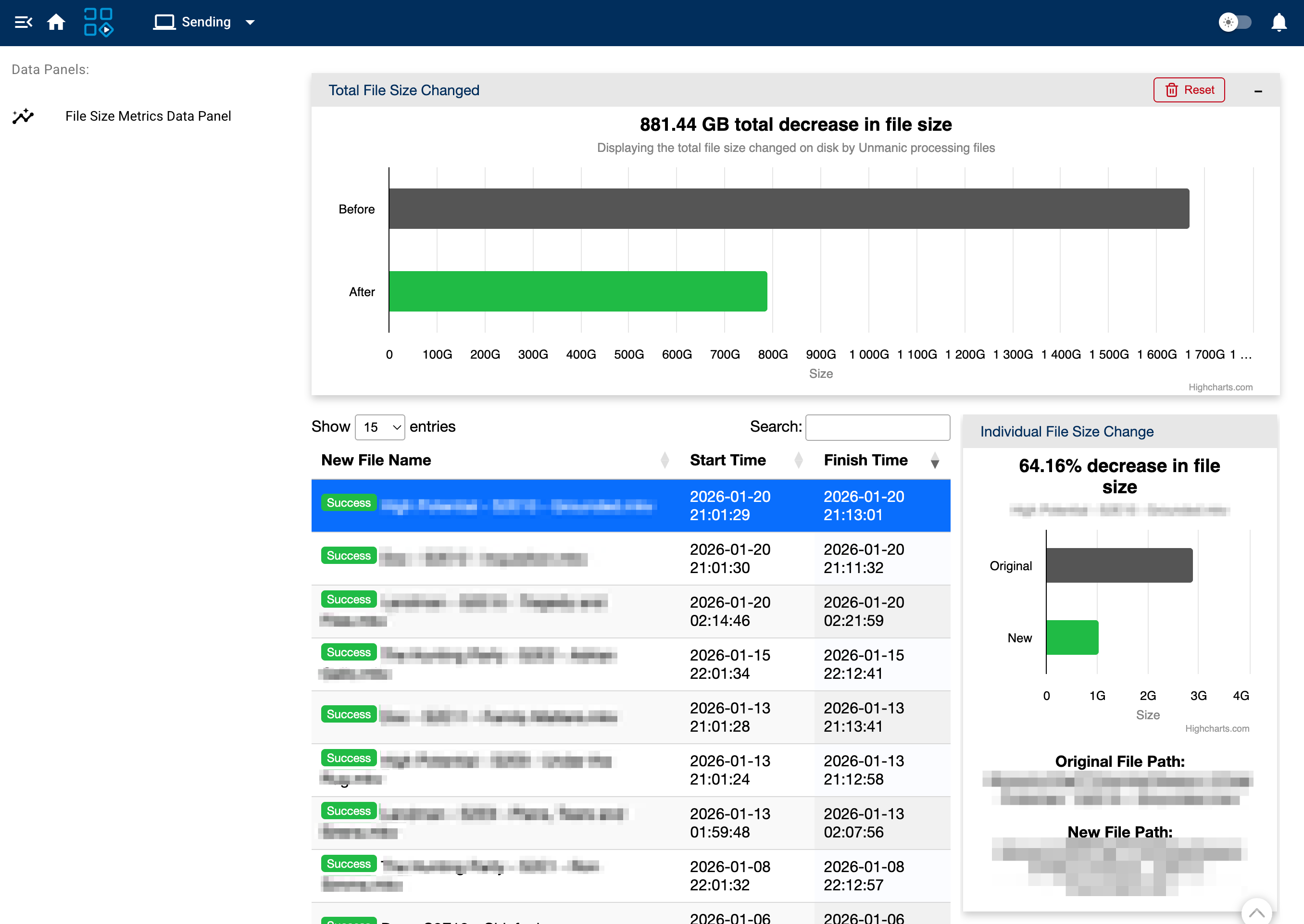
The File Size Metrics panel displays information about the file space savings achieved through transcoding.
To use this panel:
- Install the File Size Metrics plugin from the plugin repository
- Add the plugin to one or more of your libraries
- Process files through those libraries
Once files have been processed, the panel will display both total space savings across all processed files as well as results for individual files.
note
After installing the File Size Metrics panel, you may see a data tables warning dialog. To resolve this warning, simply restart Unmanic.